

Qplorer — Intelligent Torque Tool Management System
Qplorer is an intelligent torque tool management system that connects to any torque tool hardware, automatically pushes Hi/Lo limits from your workflow, captures 98–100% of readings, and syncs results to your MES (REST, OPC-UA, MQTT) in real time.
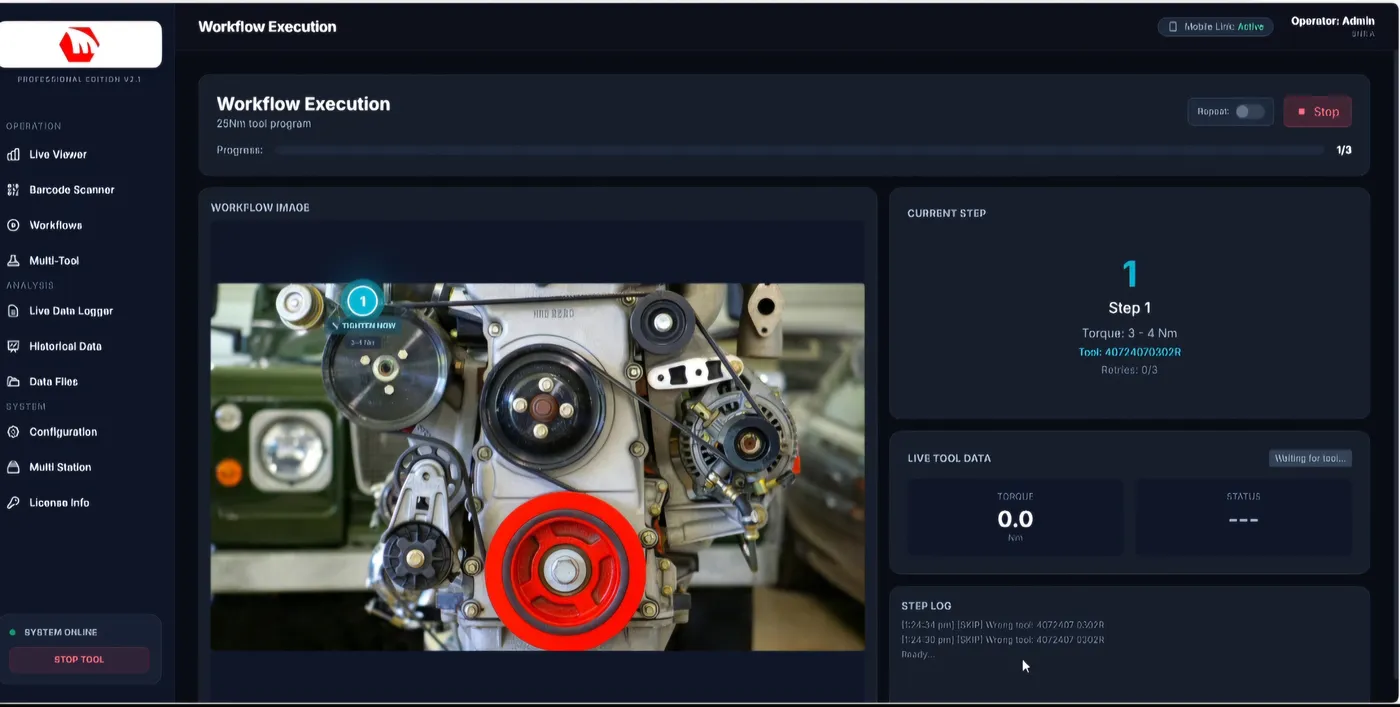
Qplorer connects to any torque tool hardware and turns raw tools into a fully managed, data-driven quality control system — eliminating manual configuration, capturing every reading, and integrating seamlessly with your MES.
Why traditional torque management fails
Manual configuration
Operators set Hi/Lo limits for every job — error-prone, slow, and a quality risk.
Data loss & gaps
Missed readings during buffer overflows or disconnects create audit gaps and compliance failures.
No MES integration
Torque data stays siloed in local tools, with no real-time link to Siemens, SAP or other MES platforms.
What Qplorer does
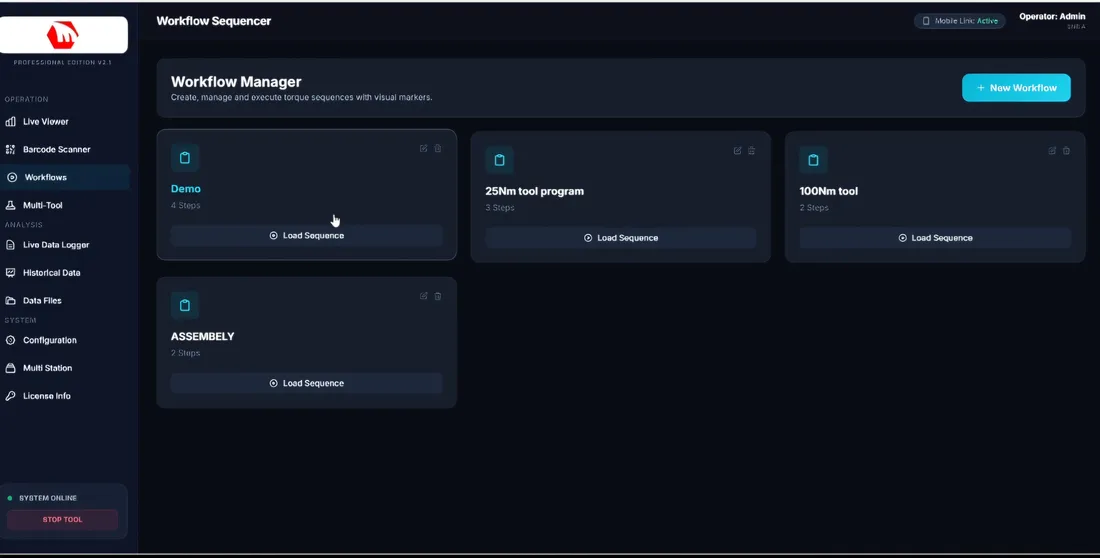
Automated limit push
Workflow-driven Hi/Lo torque limits are pushed to each tool automatically — zero manual setup.
Zero data loss
Unlimited buffering, per-tool deduplication and keep-alive ensure 98–100% capture.
Live dashboard
Real-time operator UI with workflow state, torque values, OK/NOK and step guidance.
Works with any tool
Hardware-agnostic — any brand or protocol; custom integrations on request.
On-screen work instructions
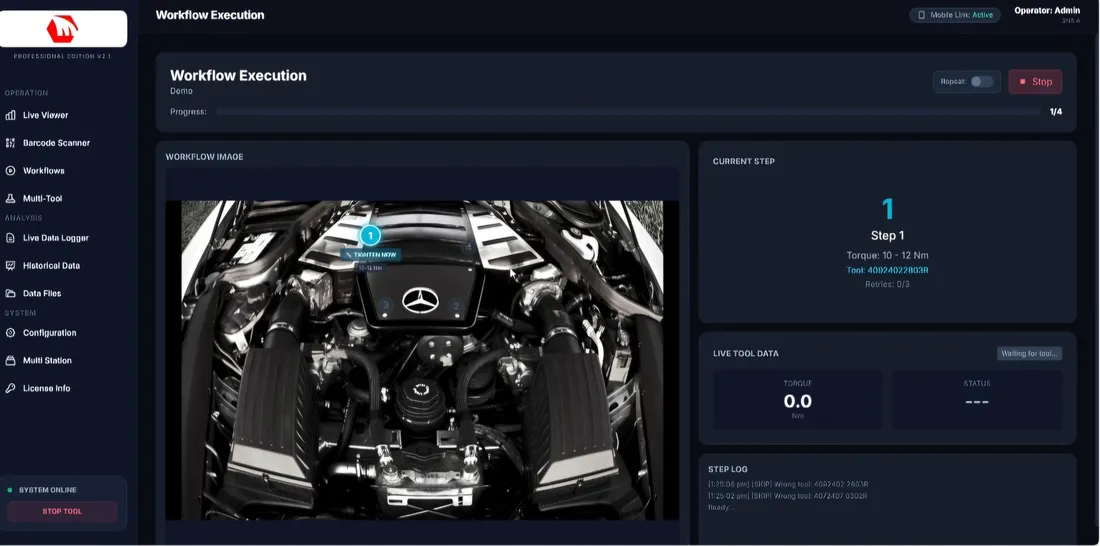
- Visual step-by-step guidance with torque specs, sequence numbers and pass/fail status
- Real-time OK / NOK feedback on every operation — no paperwork
- Annotated component views with bolt locations highlighted on part images
- Workflow-driven sequence lock prevents skip errors and ensures traceability
Dashboards, mobile & MES
- Live torque trends per tool/station/shift; OK-NOK heatmaps; workflow execution map
- Exportable audit trails & CSV/PDF reports; configurable alert thresholds
- Mobile roaming inspections from any tablet or phone, with supervisor override
- MES integration out of the box: REST/HTTP, OPC-UA, MQTT (Siemens, SAP, AWS/Azure IoT)
How it works
- Scan job — operator scans a job ID or MES pushes the workflow
- Auto-config — Qplorer pushes the correct limits to all assigned tools
- Measure / tighten — torque captured in real time
- Validate — OK/NOK determined instantly against the workflow spec
- Sync MES — results pushed via REST, OPC-UA or MQTT
Frequently asked
What is Qplorer?+
An intelligent torque tool management system that connects any torque tool, automates Hi/Lo limit configuration from your workflow, captures every reading, and syncs results to your MES in real time.
Which tools does it work with?+
Any brand or protocol — Qplorer is hardware-agnostic, and custom integrations are available on request.
Which MES/platforms can it connect to?+
It supports REST/HTTP, OPC-UA and MQTT out of the box (Siemens, SAP, AWS/Azure IoT), and can be extended with custom connectors for any MES or ERP.
How much data does it capture?+
98–100% capture, with unlimited buffering, per-tool deduplication and keep-alive mechanisms so no reading is lost.
Related solutions
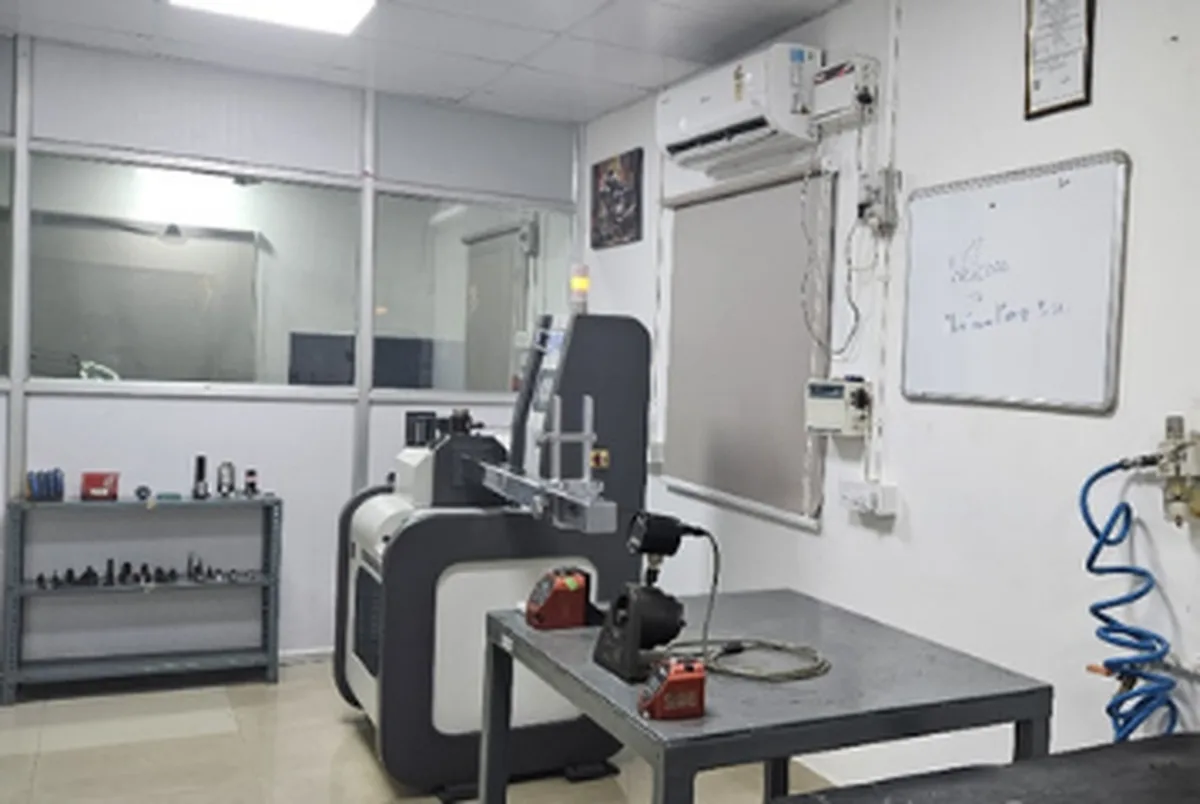
Torque Calibration & Measurement
Comprehensive calibration to verify and maintain tool accuracy, supporting compliance and safety.
Read more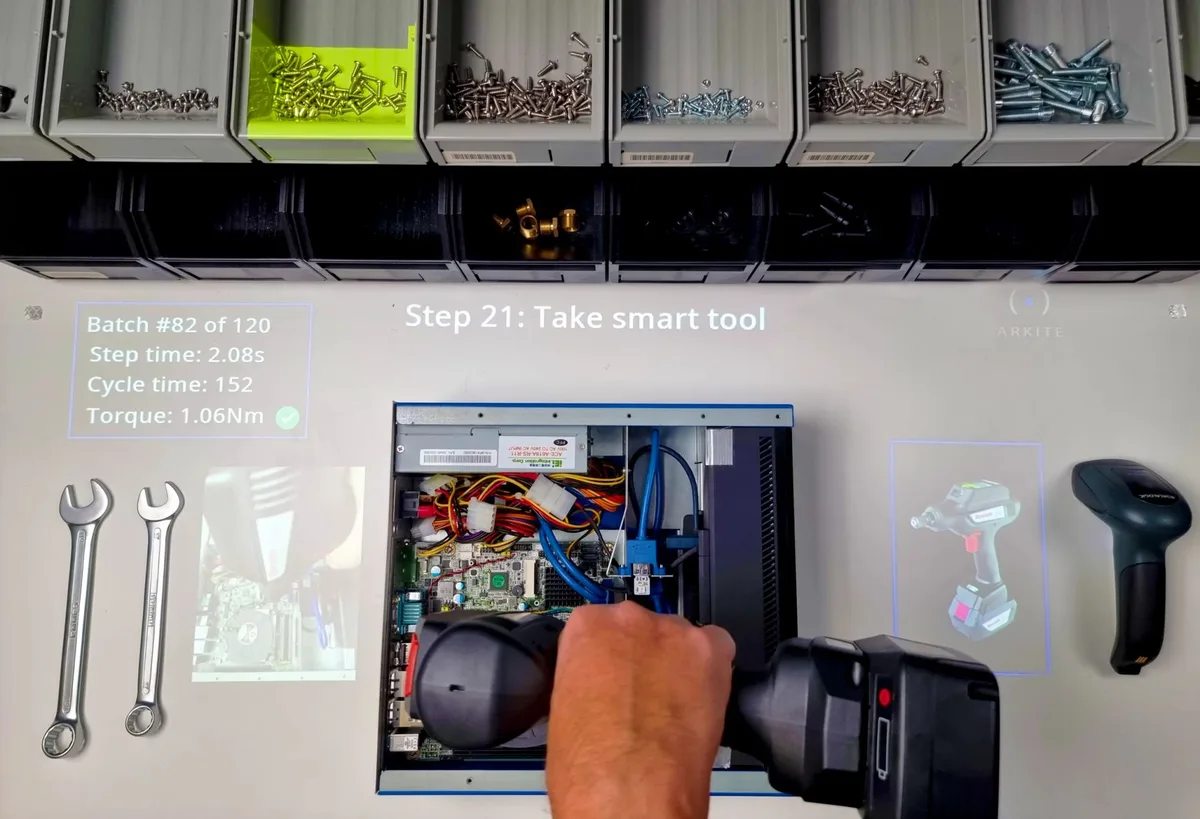
Projected Augmented Reality
Real-time, visual AR guidance that improves assembly and maintenance accuracy and efficiency.
Read more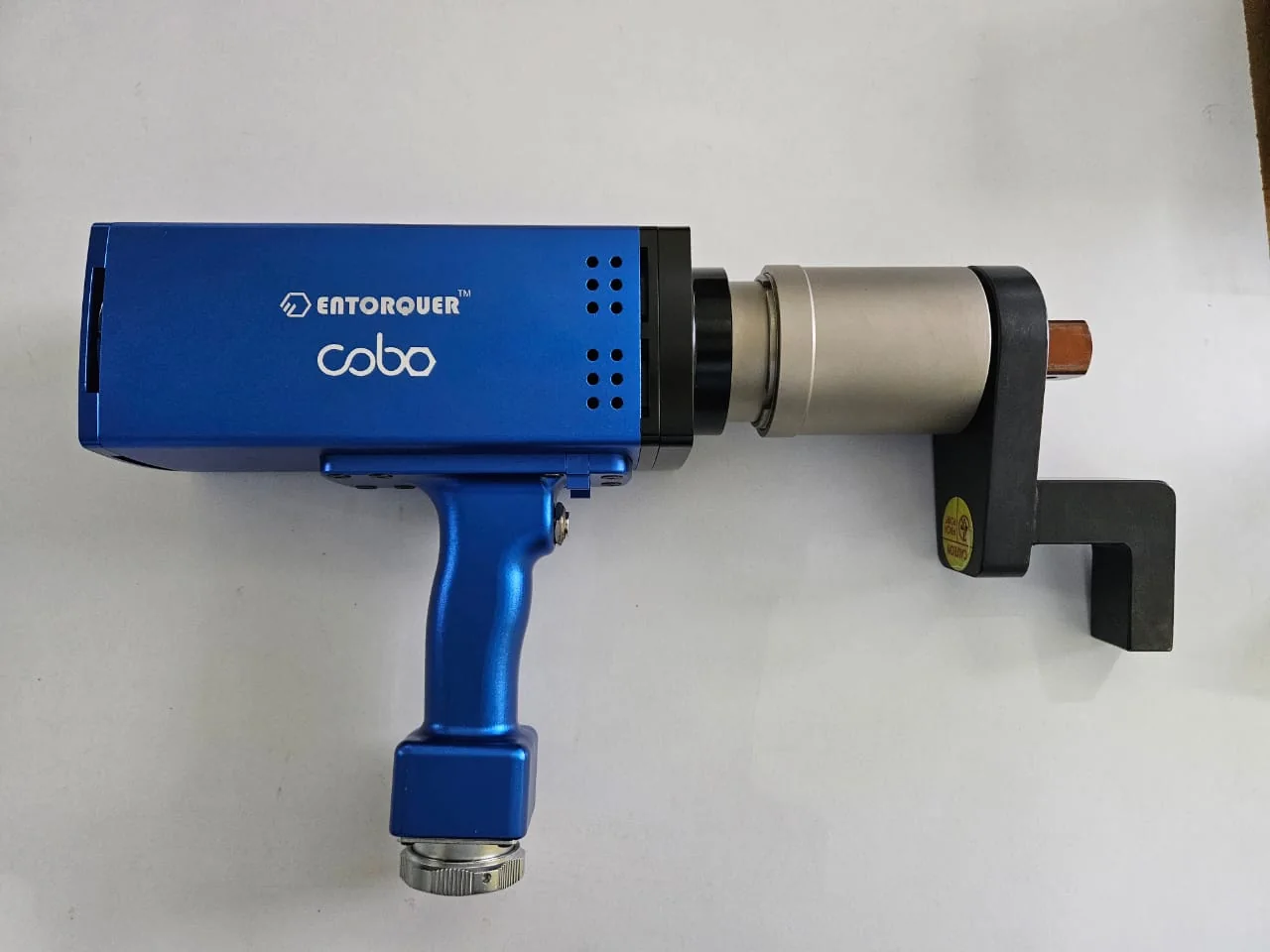
Entorquer Cobo Servo Tools
Precision servo tightening tools with closed-loop control, data recording and Open Protocol MES connectivity.
Read moreNeed the right tool for your line?
Tell us your application — our team will recommend the right solution and call you back.